


Related search
Phone Charm
Kitchen Appliances
Car Audio Accessories
Home Decor Accessories
Get more Insight with Accio
7 Smart Business Uses for Laptops Under $100 in 2026
7 Smart Business Uses for Laptops Under $100 in 2026
6min read·Oriana·Mar 30, 2026
In 2026, the idea of a sub-$100 laptop might bring to mind slow, basic devices for simple web browsing. But what if these ultra-budget machines could be a secret weapon for your business? While most people dismiss cheap laptops under 100 as underpowered relics, savvy entrepreneurs and managers are discovering their hidden potential as specialized business tools. This article moves beyond personal use to uncover 7 ingenious and practical ways that startups, retailers, and event managers can leverage these affordable laptops to boost efficiency, enhance customer experience, and cut operational costs. From interactive digital kiosks to smart inventory systems, these budget devices are transforming how small businesses operate. Get ready to rethink what a cheap laptop can do for you and discover how a strategic investment of under $100 can deliver outsized returns for your operations.
Table of Contents
1. The Dedicated Digital Check-In Kiosk
2. The Lightweight Inventory Management Tool
3. The Live Social Media Monitoring Dashboard
4. The Pop-Up Shop Point-of-Sale (POS) System
5. The Employee Training & Onboarding Station
6. The Smart Office Control Panel
7. The In-Store Digital Signage Driver
2. The Lightweight Inventory Management Tool
3. The Live Social Media Monitoring Dashboard
4. The Pop-Up Shop Point-of-Sale (POS) System
5. The Employee Training & Onboarding Station
6. The Smart Office Control Panel
7. The In-Store Digital Signage Driver
Want to explore more about 7 Smart Business Uses for Laptops Under $100 in 2026? Try the ask below
7 Smart Business Uses for Laptops Under $100 in 2026
1. The Dedicated Digital Check-In Kiosk
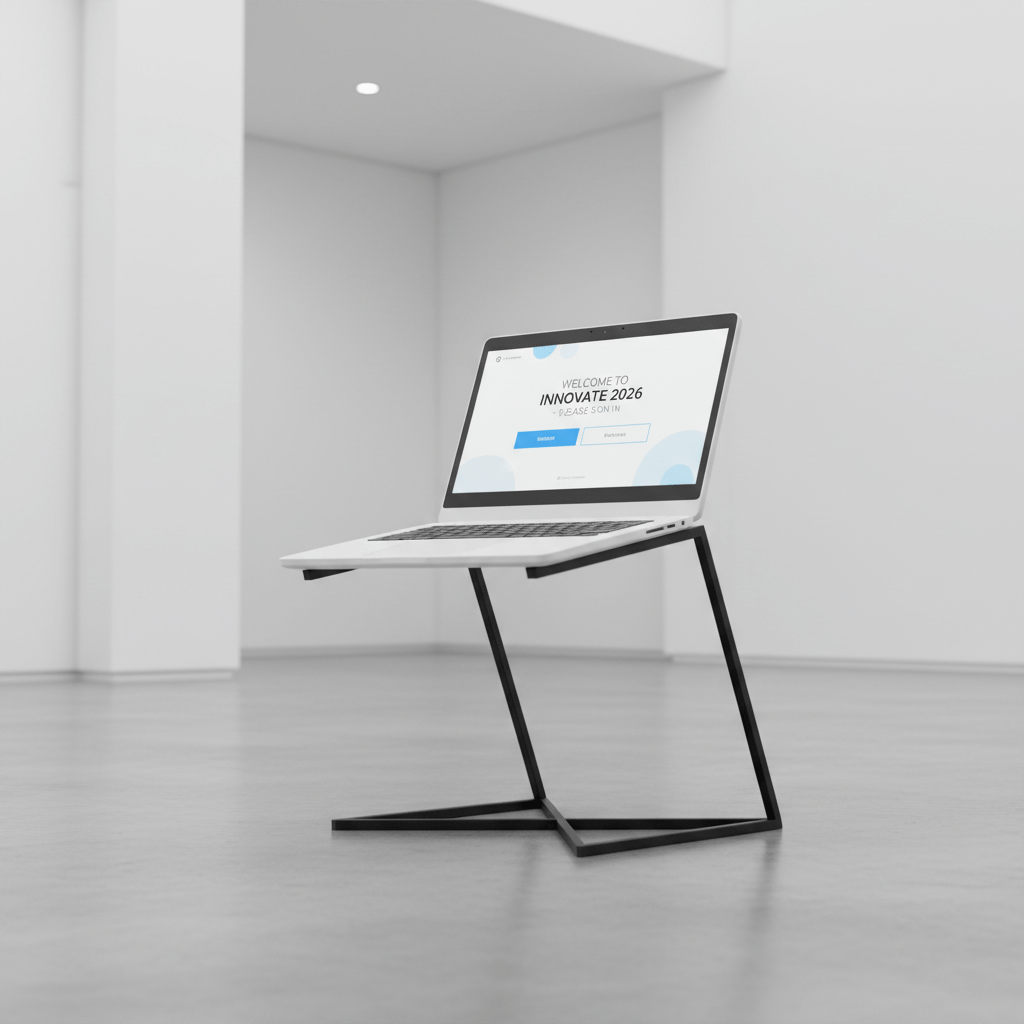
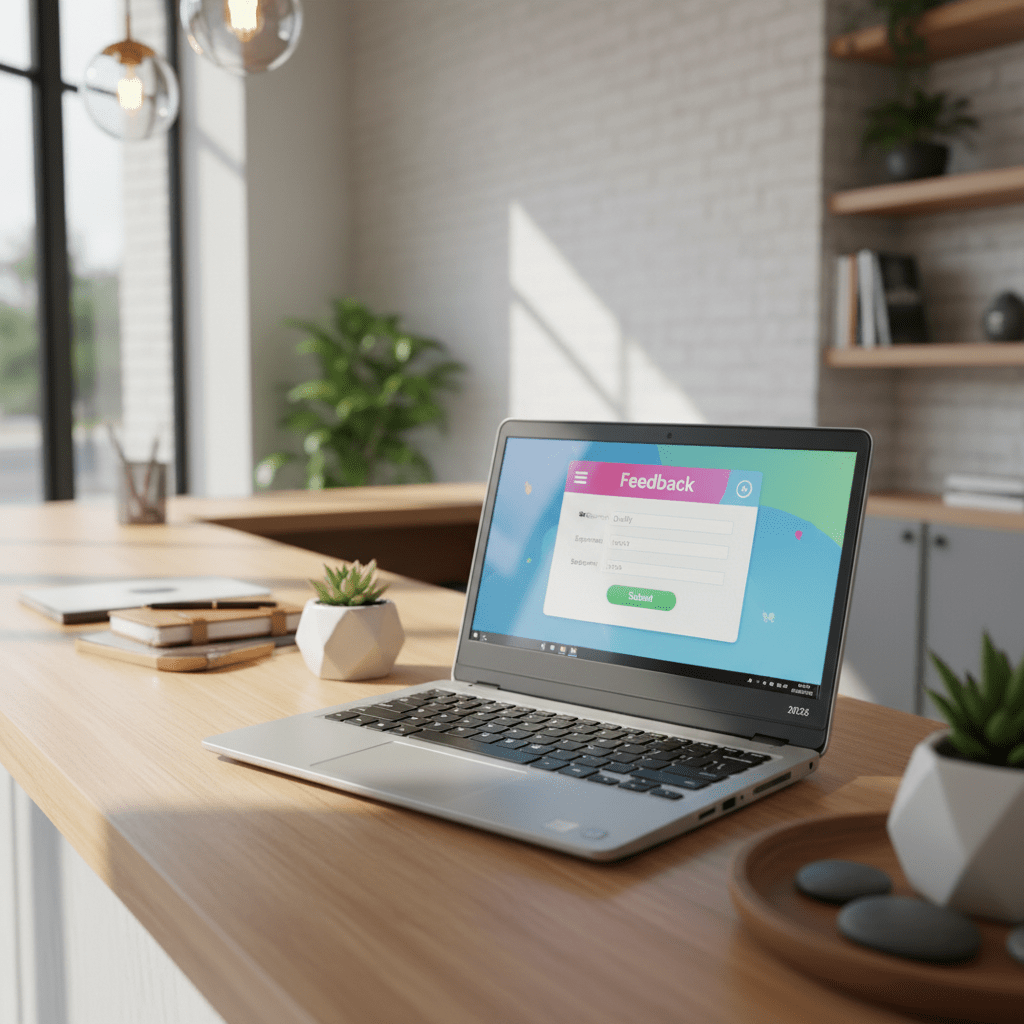
Transform your entryway or event registration with a sleek, single-purpose kiosk that welcomes guests with professional efficiency. A refurbished Chromebook, locked to a single application or web page, is the perfect tool for guest sign-ins, customer feedback forms, or loyalty program sign-ups. These budget devices excel in this role because they’re lightweight, boot quickly, and their limited processing power actually becomes an advantage when you need a focused, distraction-free interface. Mount the laptop on a simple stand, angle the screen for easy access, and you’ve created an interactive experience that presents a professional image without the high cost of specialized hardware. This solution is ideal for boutiques, salons, medical offices, and conferences where first impressions matter but budgets are tight.
2. The Lightweight Inventory Management Tool

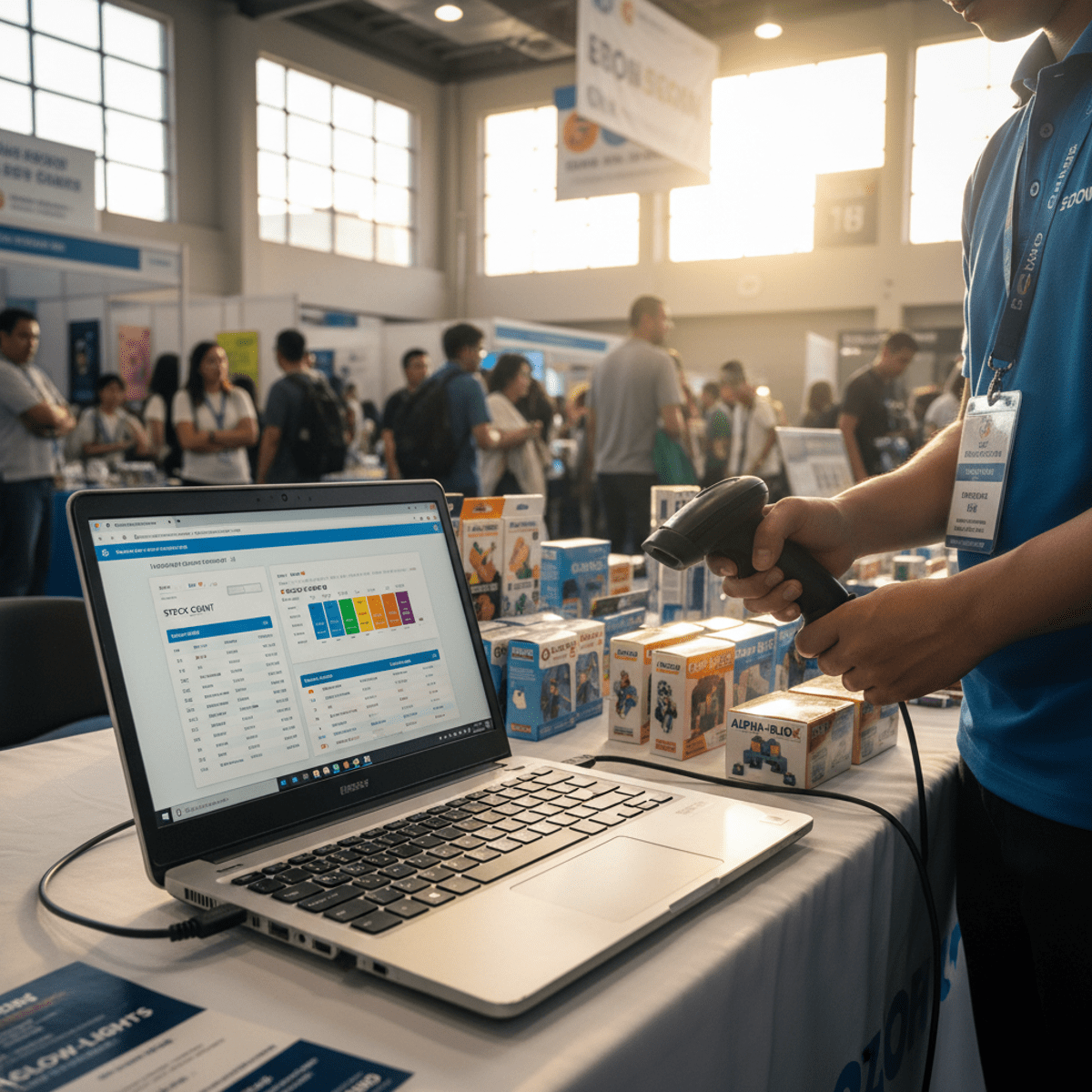
Equip your staff on the shop floor or in the stockroom with a simple, portable device for real-time inventory updates that keeps your operations running smoothly. Paired with a USB barcode scanner and cloud-based inventory software, a sub-$100 laptop becomes a powerful mobile workstation that can handle stock counts, receive shipments, and update product locations instantly. The beauty of using these affordable devices lies in their portability and low replacement cost, which reduces the financial risk associated with drops or damage in a busy commercial environment. Staff can carry them between aisles, use them in warehouses, or take them to trade shows for inventory demonstrations. The long battery life of most budget Chromebooks makes them particularly well-suited for all-day inventory tasks without needing frequent charging breaks.
3. The Live Social Media Monitoring Dashboard


Keep your marketing team’s finger on the pulse by dedicating a low-cost laptop to display a live social media wall, analytics dashboard, or customer service queue that provides constant visibility into your brand’s online presence. This always-on monitoring station can cycle through multiple browser tabs showing real-time mentions, engagement metrics, competitor activity, and trending hashtags relevant to your industry. The visual impact of having a dedicated screen displaying live social feeds creates an energized, connected atmosphere in your office while allowing for at-a-glance monitoring of brand mentions and key metrics without consuming valuable screen real estate on primary workstations. Position this dashboard where your team can easily see it, and you’ll notice how quickly they respond to opportunities and address customer concerns when the information is constantly visible.
4. The Pop-Up Shop Point-of-Sale (POS) System
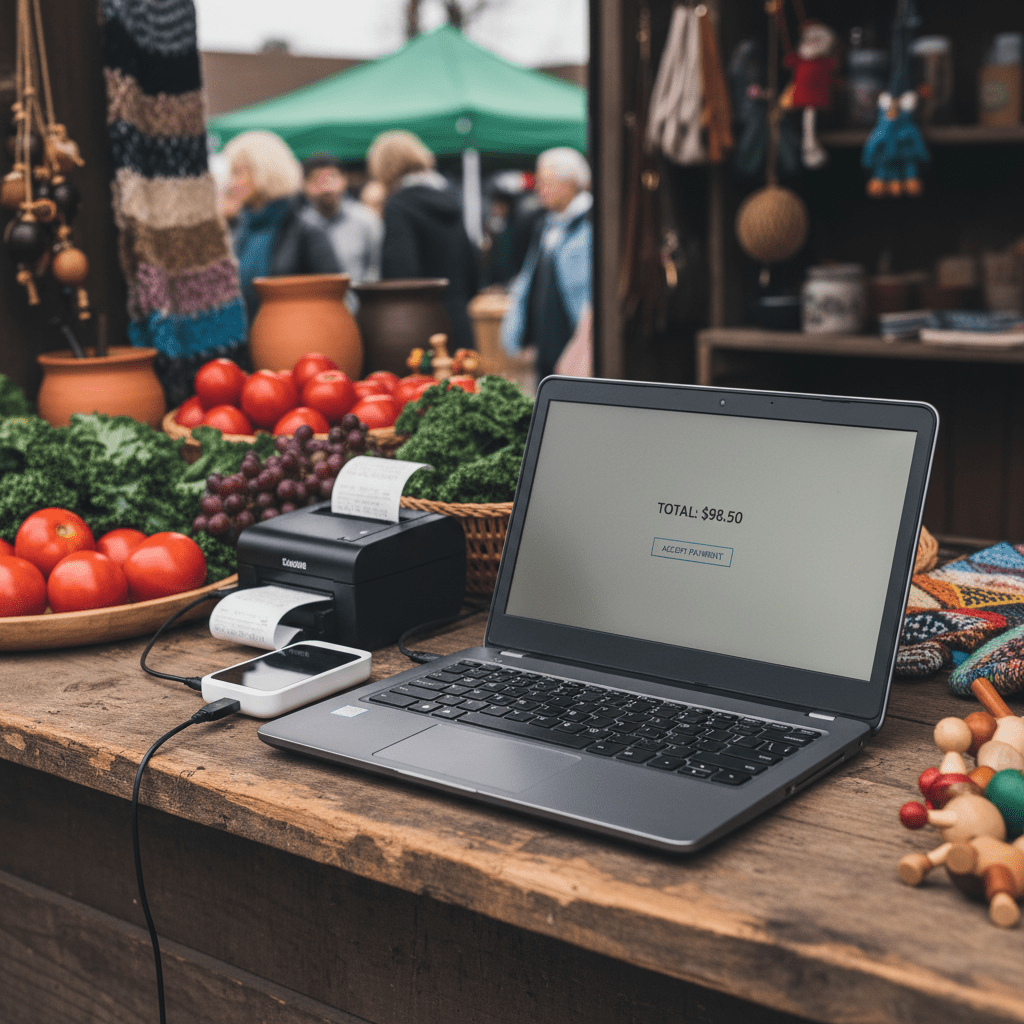
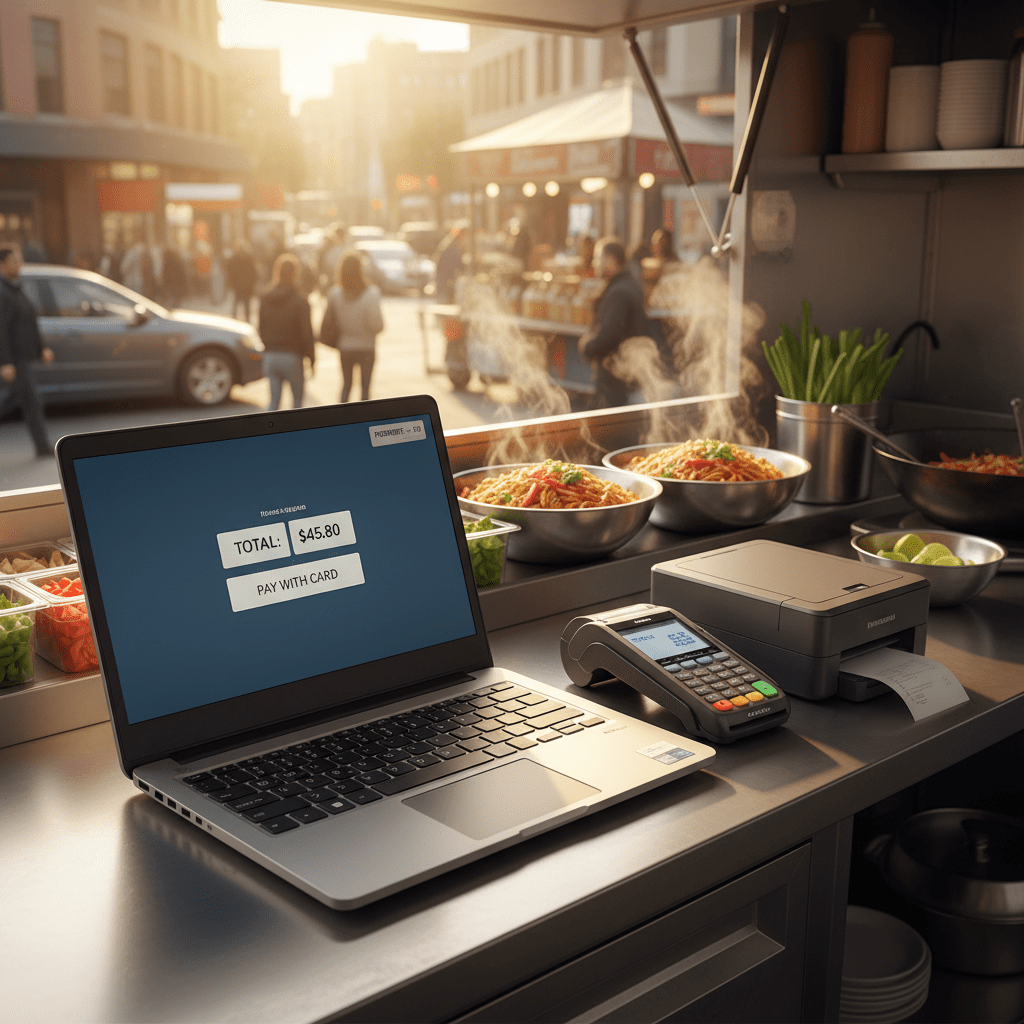
For market stalls, food trucks, and pop-up retail events, a full-featured POS system can be overkill and unnecessarily expensive for temporary or seasonal operations. A simple laptop running web-based POS software from providers like Square, Shopify, or Toast, connected to a small card reader and receipt printer, offers a highly affordable, portable, and efficient solution for processing sales on the go. The compact form factor of budget laptops makes them perfect for cramped vendor spaces, while their basic specifications are more than adequate for running cloud-based payment processing applications. Set up takes minutes, the system is intuitive for temporary staff to learn, and at under $100, you can afford to have backup units ready for busy events or multiple locations without breaking your startup budget.
5. The Employee Training & Onboarding Station
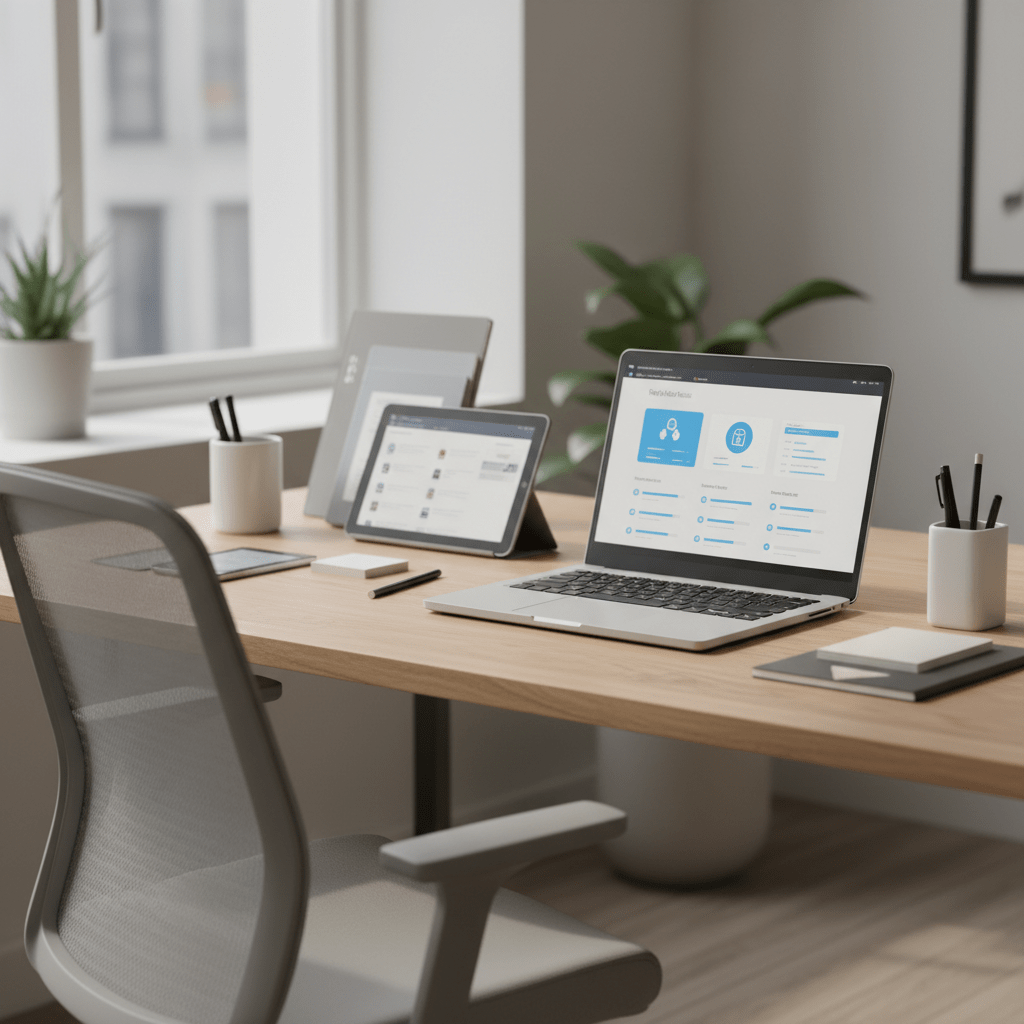
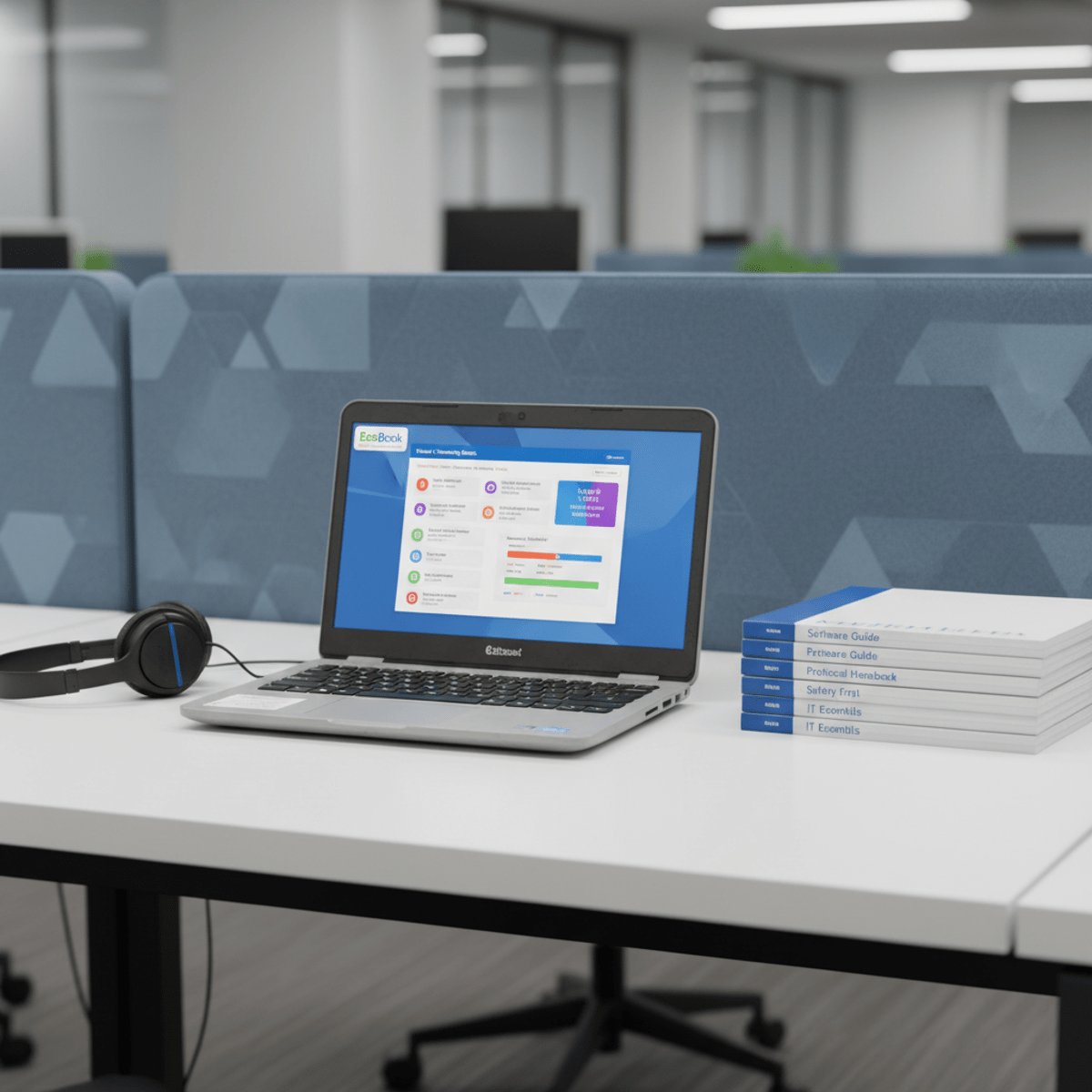
Streamline your new-hire process with a dedicated training station that creates a consistent, professional onboarding experience for every team member. Pre-load a budget laptop with training videos, digital handbooks, interactive quizzes, and direct links to HR forms and company policies, creating a self-guided learning environment that new employees can navigate at their own pace. This approach eliminates the need to tie up expensive company computers or meeting rooms during training sessions, while ensuring that every new hire receives exactly the same information and resources. The standardized, distraction-free environment helps new employees focus on learning without the temptation of checking email or browsing unrelated websites. Position the training station in a quiet corner of your office, and you’ve created a dedicated space that communicates professionalism while maximizing the utility of your existing technology resources.
6. The Smart Office Control Panel
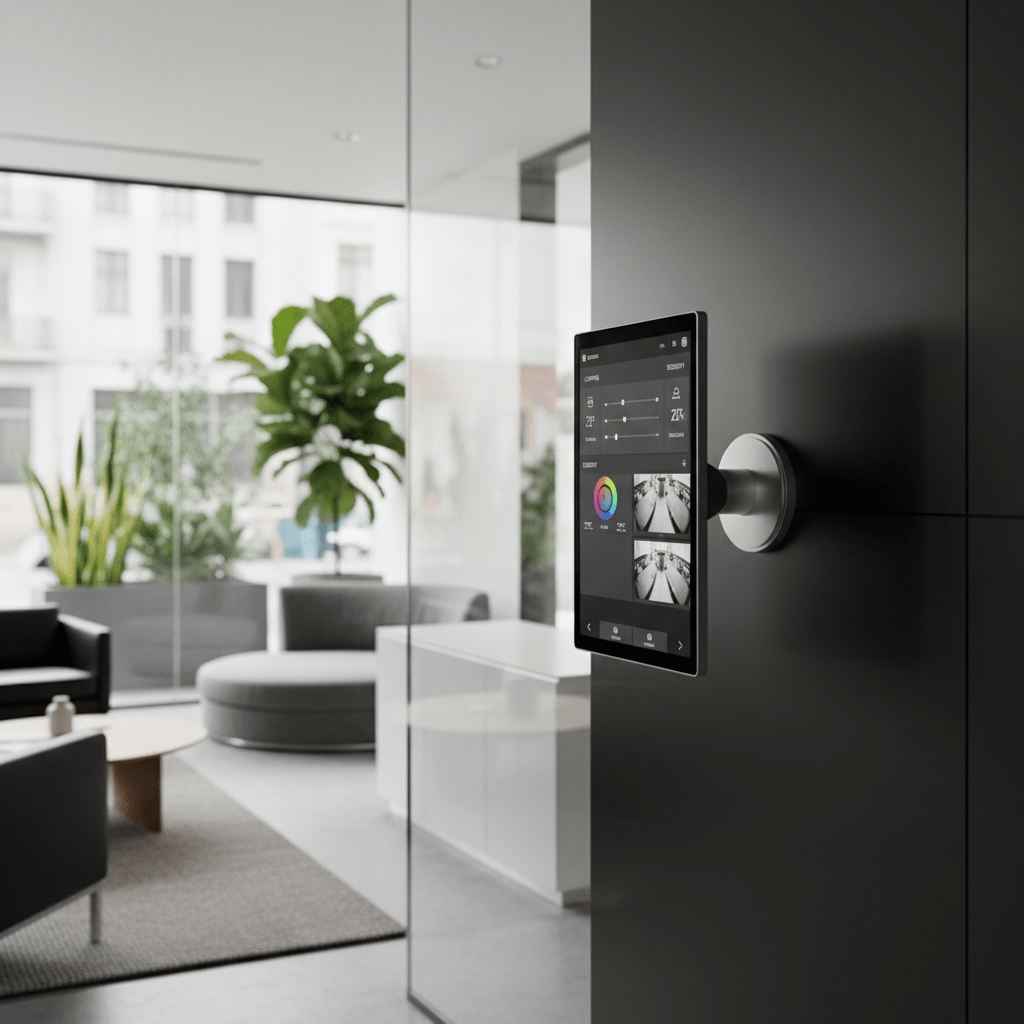

As small offices embrace IoT technology, a centrally located, wall-mounted touchscreen laptop can serve as an affordable control hub that brings all your smart systems together in one intuitive interface. Use it to manage smart lighting systems, adjust programmable thermostats, view security camera feeds, book conference rooms, and control music or presentation systems throughout your workspace. The always-on nature of a dedicated control panel makes it far more convenient than requiring staff to pull out phones or log into separate apps for each system. Mount the device on a swivel arm near your main entrance or reception area, and it becomes an impressive focal point that demonstrates your office’s modern, tech-forward approach while providing genuine utility for daily operations and visiting clients who need to adjust environmental settings.
7. The In-Store Digital Signage Driver
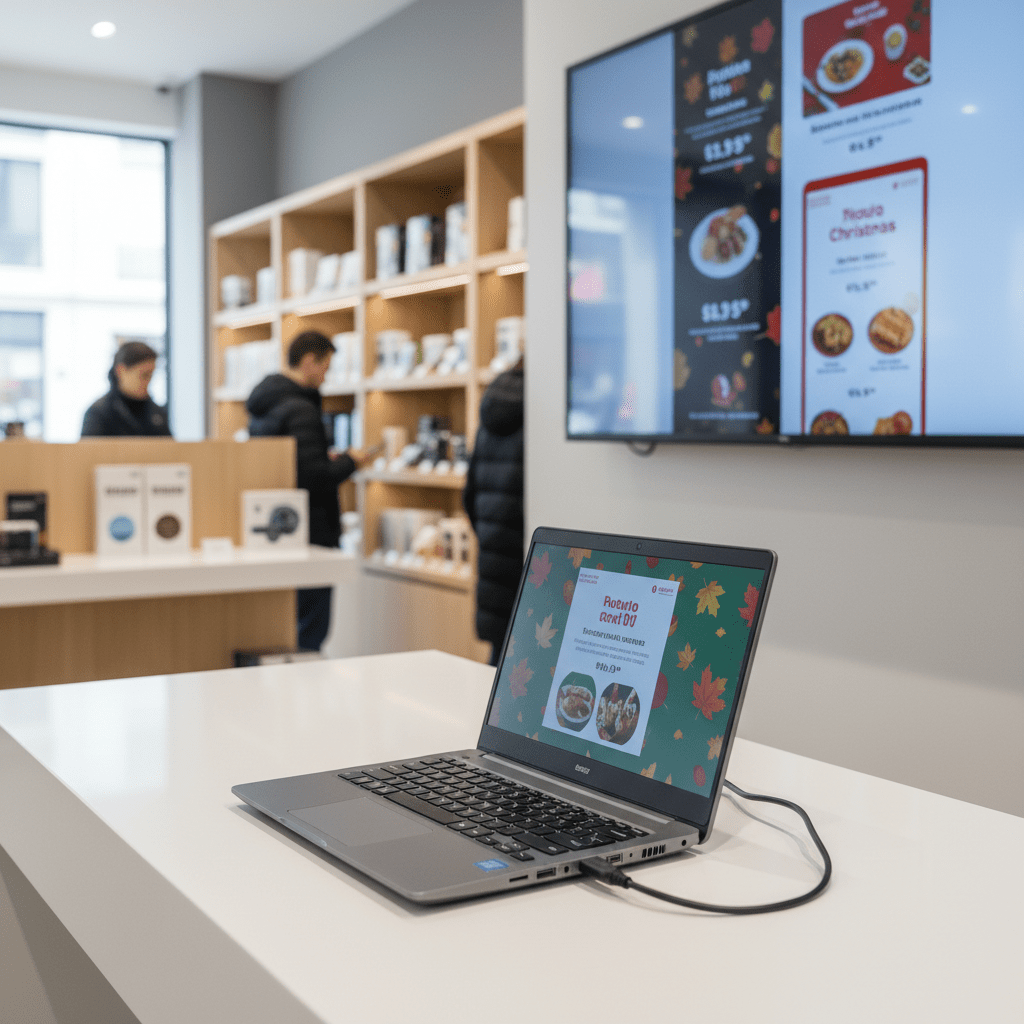
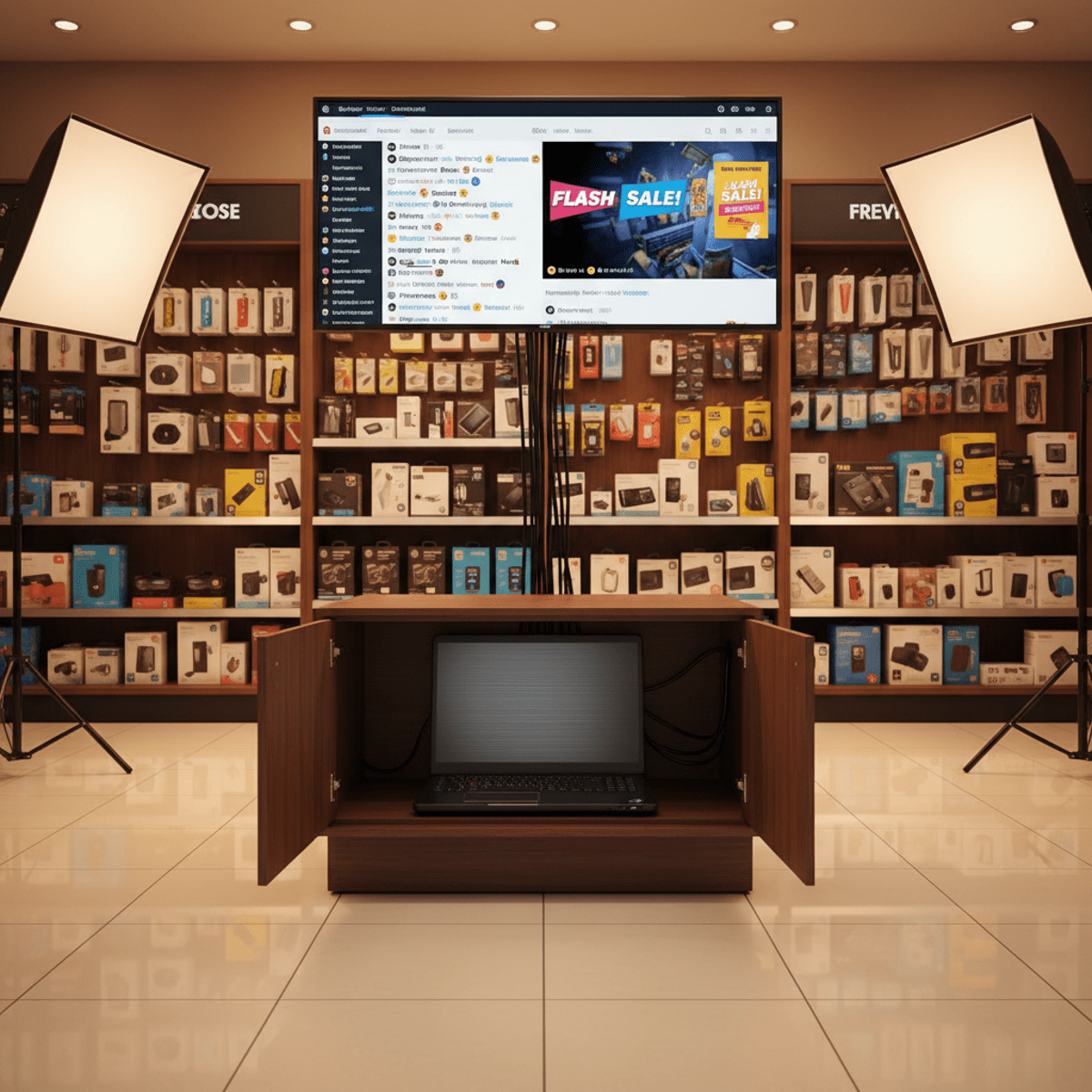
Power your in-store digital displays without investing in expensive media players or specialized signage hardware that can cost hundreds of dollars per screen. A cheap laptop can easily run a continuous loop of promotional videos, animated menus, seasonal slideshows, or live social media feeds on a large monitor or TV, creating dynamic visual marketing that captures customer attention and drives sales. Connect the laptop via HDMI to any display, set up a playlist of marketing content, and configure the system to run automatically whenever the store opens. Tucked away behind the screen or in a nearby cabinet, it’s a simple, set-and-forget solution for dynamic retail marketing that you can update remotely or refresh with new content as often as needed to keep your messaging fresh and engaging.
As we’ve seen throughout these seven innovative applications, the utility of a sub-$100 laptop in 2026 extends far beyond basic personal computing tasks. From interactive customer kiosks that enhance the visitor experience to smart POS systems that enable flexible retail operations, these devices have proven themselves as versatile business assets for any budget-conscious organization. The key insight is that businesses don’t always need cutting-edge performance – sometimes they need reliable, dedicated functionality at a price point that allows for multiple deployments without significant financial risk. But turning these creative ideas into a scalable reality requires more than just vision; it demands access to a reliable supply chain and market intelligence. How do you find a trusted supplier for 50 refurbished Chromebooks for your next conference? Where can you source custom kiosk stands that match your brand aesthetic? Which manufacturers offer bulk pricing on protective cases and mounting hardware? That’s where Accio comes in. Our AI-powered search and sourcing tool is designed specifically for businesses that think strategically about procurement and operations. Use Accio to instantly discover verified suppliers of refurbished electronics, connect with accessory manufacturers worldwide, and access real-time market data on consumer tech trends that inform your purchasing decisions. Stop spending hours searching multiple platforms and start sourcing intelligently. Transform your business operations with the right products, sourced efficiently through Accio today.